

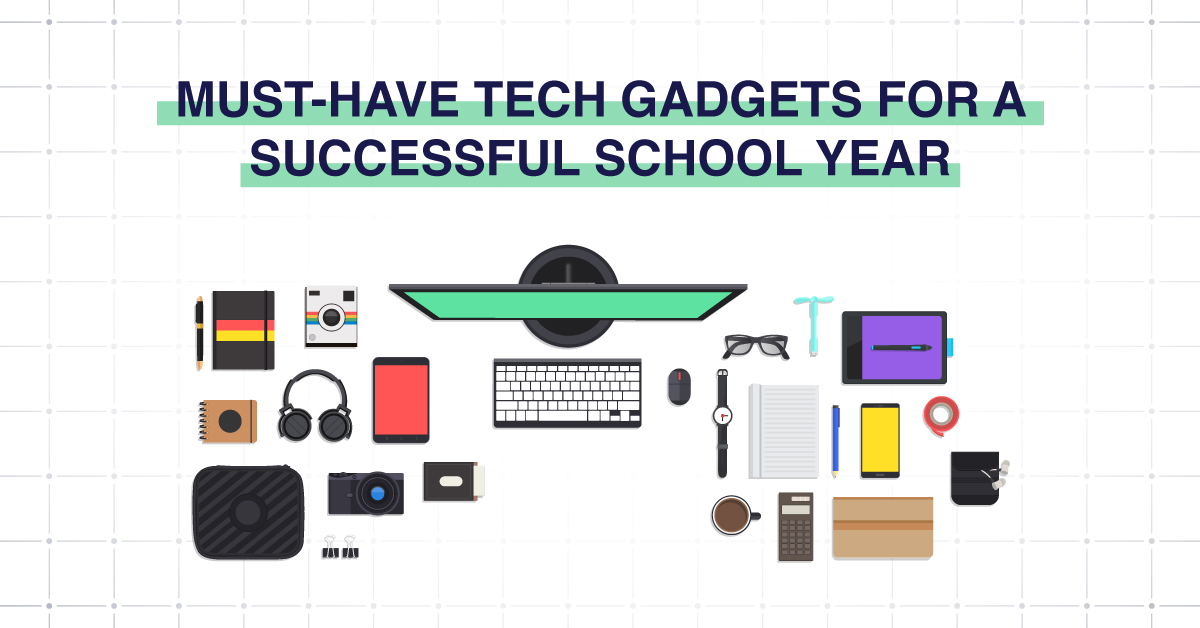
As the academic year begins, having the right tech setup can make all the difference between staying on top of your coursework and falling behind. Today’s learning environment, whether in person, hybrid, or online, demands more than just a basic computer. From devices that simplify note-taking to tools that keep your focus sharp, the right essential tech gadgets for school student productivity tools empower every learner to work smarter, not harder.
In this guide, we’ll cover the essential student gadgets every college or high school student should consider to enhance productivity, manage time efficiently, and achieve academic success throughout the year.
Tech Gadgets for Students
- Laptop or High-Performance Notebook
- Tablet
- Portable Monitor
- Noise-cancelling Headphones
- Portable Charger
- Laptop stand, external keyboard & mouse
- External SSD
- Bluetooth tracker
- Desk Lamp
- WiFi
- USB-C Hub
- Ethernet cable

Laptop or High-Performance Notebook
A reliable laptop remains the cornerstone of student success. For most college students, this device serves as a command center for research, writing assignments, attending virtual lectures, and collaborating on group projects.
Look for a 2-in-1 laptop for students—a hybrid model that transitions easily between tablet and laptop modes. This flexibility makes it perfect for note-taking apps, study sessions, or creative projects. Additionally, prioritize laptops with strong battery life, solid-state drives, and the ability to connect with cloud storage for education, such as Google Cloud, to keep files synced and accessible across devices.
Tablet
When portability meets performance, a tablet becomes an excellent complement to your main computer. Tablets are lightweight, responsive, and ideal for quick note-taking, sketching diagrams, or reading digital textbooks.
Pairing your tablet with a smart notebook or stylus lets you digitize handwritten notes effortlessly, great for staying organized and saving time before upcoming exams. Additionally, many tablets feature productivity apps designed for students, helping you manage your time and maintain focus during study sessions.
Portable Monitor
If you’ve ever struggled with multitasking on a single screen, a portable monitor is your new best friend. This tech gadget instantly transforms your study setup by expanding your workspace, making it easier to research on one screen while typing on another.
A portable monitor helps students working on group projects, coding tasks, or presentations streamline their workflow. Combined with a laptop or tablet, it enhances overall student productivity tools and improves multitasking, especially in tight dorm rooms or coffee shops.
Noise-Cancelling Headphones
In a noisy dorm or bustling café, maintaining concentration can be difficult. That’s where noise-cancelling headphones for studying come in. They help you stay focused during lectures, study sessions, or when reviewing recorded classes.
Models like the Bose QuietComfort series are known for comfort, clarity, and exceptional sound isolation. Quality noise-cancelling headphones reduce distractions, allowing you to fully immerse yourself in lectures, audiobooks, or calming music that boosts retention.
Portable Charger
Few things are more frustrating than your devices dying mid-class or during a late-night work session. A portable charger ensures your laptop, tablet, or smartphone remains powered throughout the day.
Look for models with high-capacity output and multiple USB or USB-C ports to charge several devices simultaneously. The best portable chargers keep you connected—whether you’re traveling between classes or finishing a paper on the go. This small investment supports academic success by ensuring your tools are always ready when you need them most.
Laptop Stand, External Keyboard & Mouse
Ergonomics matter more than most students realize. A proper setup reduces strain on your wrists, neck, and eyes, vital for long study sessions or project marathons.
A laptop stand elevates your screen to eye level, while an external keyboard and mouse allow for comfortable positioning and improved posture. These accessories are simple tech gadgets for school that enhance comfort, efficiency, and long-term health—helping students work more productively for longer periods.
External SSD
Storage is crucial for managing large files, videos, and projects. An external SSD offers lightning-fast data transfer and secure cloud storage backup.
Unlike traditional hard drives, SSDs are compact and more durable, perfect for students who move between classes or campuses. Combined with cloud storage for education, they provide an added layer of safety, ensuring important work and due dates are never jeopardized by system crashes.
Bluetooth Tracker
It’s easy to misplace small items during a busy semester. A Bluetooth tracker, like a Tile or Apple AirTag, helps students locate lost items such as keys, wallets, or even their laptops.
Attach it to your backpack or devices, and with a few taps on your phone, you’ll instantly know their location. It’s one of those small yet brilliant essential tech gadgets for school that helps you stay organized and avoid last-minute panic before upcoming exams or early classes.
Desk Lamp
Proper lighting can dramatically impact focus and energy. A bright, adjustable desk lamp helps reduce eye strain and supports longer study sessions—especially during late-night research marathons.
Modern desk lamps come equipped with adjustable brightness, color temperature controls, and even wireless charging bases for your devices. It’s a simple yet powerful addition to any dorm or home study setup.
WiFi
A strong, stable WiFi connection is non-negotiable in the digital learning era. From video lectures to research projects and real-time collaboration, connectivity is the backbone of student productivity.
If your network frequently drops, consider upgrading your router or mesh system to ensure consistent speed. Q-Tech Inc.’s student tech support team specializes in troubleshooting and optimizing network performance, ensuring your devices stay connected during crucial online classes or submissions.
USB-C Hub
Modern laptops often have limited ports, but a USB-C hub solves that instantly. These compact devices expand connectivity, allowing you to plug in external drives, SD cards, and multiple peripherals at once.
It’s an indispensable tool for college students who juggle presentations, file transfers, or task management tools. A hub streamlines your setup, making device integration effortless, whether for note-taking apps, external displays, or charging accessories.
Ethernet Cable
While WiFi is convenient, nothing beats the stability of a wired connection. An Ethernet cable ensures uninterrupted connectivity during video calls, online exams, or large file uploads.
Having one handy guarantees you won’t lose progress due to lag or disconnections. It’s a small detail that demonstrates foresight, a hallmark of students committed to staying organized and maintaining top performance throughout the semester.
Conclusion
Technology has become more than a convenience; it’s a lifeline for today’s students. The right combination of essential tech gadgets, practical tools, and reliable support transforms how students learn, collaborate, and grow.
With Q-Tech’s expertise in IT services, students and educators alike can enjoy smoother digital experiences, fewer disruptions, and better outcomes. So, as you prepare for another productive school year, remember that success isn’t just about studying harder; it’s about equipping yourself smarter.
How Q-Tech Inc. Supports Students & Educational Institutions
At Q-Tech Inc., we understand that technology fuels learning. Our team provides comprehensive device setup, maintenance, and student tech support solutions for schools, colleges, and universities.
From helping students integrate their management apps and productivity apps for students to implementing cloud storage for education, We ensures that technology works seamlessly in every learning environment. We also assist institutions in deploying secure networks, maintaining hardware, and managing IT infrastructure to support digital classrooms.
Whether it’s setting up WiFi for dorms, configuring Google cloud systems, or training educators on the latest student productivity tools, we empowers the next generation of learners to stay focused, manage their time, and achieve lasting academic success.
FAQ
What’s the difference between a tablet and a 2-in-1 laptop for school?
Answer – A tablet (like an iPad) is excellent for consumption (reading, watching videos) and light note-taking. A 2-in-1 laptop (like a Surface Pro) is a full-powered computer that can also function as a tablet. For serious academic work involving typing long papers, coding, or complex software, a 2-in-1 laptop is generally more versatile and powerful.
How can I get these tech gadgets on a budget?
Answer – To save money:
- Look for student discounts directly from manufacturers and retailers.
- Consider certified refurbished models from reputable sellers.
- Prioritize the “Absolute Essentials” like a power bank and cable management first.
- Use price tracking tools to buy during back-to-school sales.
Should students invest in a smart notebook / digital writing pad?
Answer – Yes, for students who like handwriting notes but also want digital backup and searchability, smart notebooks (reusable, scan-to-cloud) are ideal. They combine the feel of writing on paper with modern convenience.
How do I choose the best laptop for school?
Answer – Focus on portability (less than ~1.5 kg), battery life (8+ hours), good performance (SSD + enough RAM), build quality, relevant ports (USB-C, HDMI), and vendor service/warranty support.