
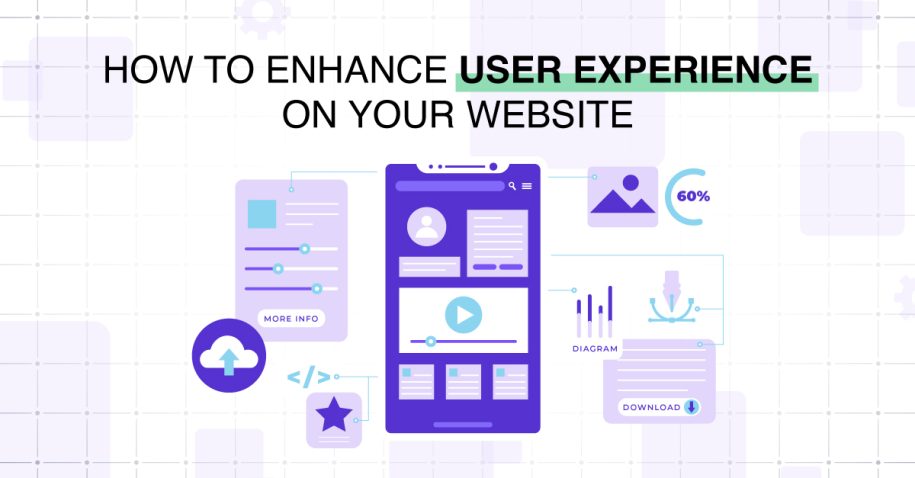
In today’s competitive digital landscape, businesses can’t afford to overlook user experience (UX). A well-optimized website doesn’t just look good; it creates an intuitive, seamless journey that motivates users to take the desired action—whether that’s making a purchase, filling out a form, or booking a service. Companies investing in user experience design see better retention, higher search visibility, and a stronger conversion funnel. This guide explores how to optimize website UX for conversion-proven strategies, helping businesses transform their websites into powerful growth tools.
Why UX Matters for Engagement & Conversion
UX as a bridge between traffic and action
Generating traffic through ads, social media, and SEO is only half the battle. If visitors land on a confusing or slow-loading website, they won’t convert. UX optimization acts as the bridge between traffic and action. It’s the difference between a bounce and a sale.
How good UX supports retention, lower bounce, and better SEO
Strong UX not only improves website user experience but also supports retention. Visitors who enjoy the page experience are more likely to return, recommend your brand, and engage deeply with your content. Plus, Google Analytics metrics like time on page and bounce rate feed directly into your SEO performance, giving you a competitive edge in search rankings and SEO alignment.
Proven Strategies for Better UX & Conversion
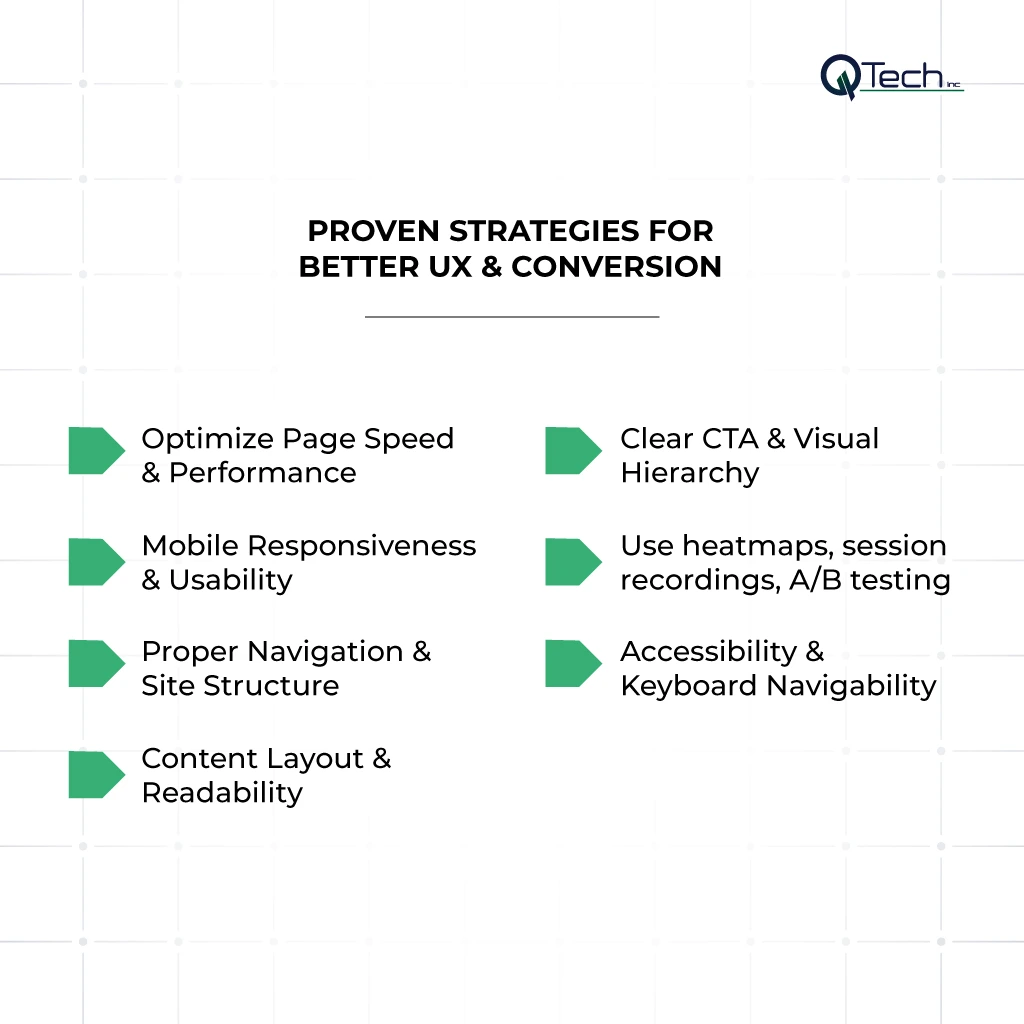
Strategy #1: Optimize Page Speed & Performance
Why speed is critical — as load time increases, bounce rates rise sharply
Few things frustrate website visitors more than slow page loads. In fact, even a one-second delay can have a dramatic impact on bounce rates and conversion rate optimization.
Tactics: image compression, lazy loading, minifying CSS/JS, CDN usage
Implementing website speed optimization techniques like compressing images, lazy loading, minifying code, and leveraging CDNs ensures your site delivers quickly across all devices.
Optimizing Core Web Vitals (LCP, FID, CLS)
Focus on core web vitals metrics, including largest contentful paint (LCP) for fast rendering, first input delay (FID) for responsiveness, and CLS score for layout stability. Addressing these ensures your site meets Google’s standards for excellent page experience, directly contributing to improving conversions.
Strategy #2: Mobile Responsiveness & Usability
With mobile-first indexing, UX on phone matters most
More than half of all web traffic now comes from mobile. With Google’s mobile-first indexing, your mobile user experience directly impacts search visibility and conversions.
Touch-friendly UI, responsive layout, legible font sizes, and avoid hover-only elements
Strong mobile UX designs must include touch-friendly buttons, a fully responsive grid, and clear typography. Avoid hover-only features since they don’t work well on touch screens. By prioritizing mobile responsiveness, businesses set the stage to increase conversions across devices.
Strategy #3: Intuitive Navigation & Site Structure
Logical hierarchy, clear menu labels, breadcrumb trails
A website’s structure should never confuse its visitors. Good website navigation includes a logical hierarchy, intuitive menu labels, and breadcrumb trails that make it easy for users to know where they are.
Minimize clicks to reach important content
Reduce friction by ensuring users can reach critical pages in as few clicks as possible. Clear pathways streamline the sales funnel, boosting engagement and conversion funnel success.
URL structure & internal linking to support discovery and UX
Clean URLs and strong internal linking improve both user behavior and SEO visibility. When visitors easily find what they need, they’re more likely to complete a desired action.
Strategy #4: Content Layout & Readability
Use headings, short paragraphs, and bullet points (scannability)
Website visitors rarely read word-for-word; they scan. Using headings, bullets, and short paragraphs enhances scannability, ensuring content supports conversion rate optimization.
Contrast, whitespace, typography choices
Good design isn’t only aesthetic—it’s functional. Whitespace and high contrast improve user experience design, while typography choices influence readability.
Placement of images, videos, and interactive elements
Strategic placement of visuals creates engagement. Adding videos, infographics, or interactive elements can move users deeper into your conversion funnel and support improving engagement and conversion.
Strategy #5: Clear CTA & Visual Hierarchy
Use compelling, visible CTAs
A call to action (CTA) should be impossible to miss but not overwhelming. Each CTA must align with your cro strategy, guiding users toward the next step in their journey.
Guide the user’s eye flow (F-pattern, Z-pattern)
Eye-tracking research shows people scan pages in F- or Z-patterns. Place CTAs strategically along these natural scanning paths to guide users smoothly through your sales funnel.
Avoid overwhelming visuals
Too many visuals can distract from your main marketing strategy. Keep the design clean and focused to encourage improving conversions.
Strategy #6: User Testing, Feedback & Iteration
Use heatmaps, session recordings, and A/B testing
Running a CRO test with heatmaps and recordings helps identify bottlenecks. Test different CTAs, layouts, and forms to see what truly resonates with your website visitors.
Collect user feedback, surveys, and usability tests
Listening to your audience is a cornerstone of ux optimization. Conduct surveys, interviews, and ongoing user testing to refine designs. Iteration ensures your cro strategy evolves with real-world behavior.
Strategy #7: Accessibility & Inclusive Design
Use alt text, ARIA tags, and keyboard navigability
Accessibility isn’t optional—it’s essential. Adhering to web content accessibility guidelines (WCAG) ensures that people with disabilities can use your site. Alt text, ARIA tags, and keyboard navigability make websites more inclusive.
High contrast, readable fonts, responsive design for assistive tech
Meeting content accessibility guidelines (WCAG) not only broadens your audience but also enhances page experience for everyone. Inclusive web accessibility design supports fairness while boosting reputation and increasing conversions.
Conclusion: Turning UX Into a Business Advantage
Optimizing your website for conversions isn’t about one big change—it’s about continuous, thoughtful adjustments. From website speed optimization and mobile UX designs to website navigation and web accessibility, each detail contributes to a smoother journey that motivates users to complete the desired action. By focusing on user behavior, embracing user testing, and adhering to core web vitals, businesses can build websites that are not just functional but also growth-driven.
When done right, UX becomes a powerful marketing strategy, aligning perfectly with website design and digital SEO alignment. The result is clear: stronger engagement, deeper trust, and sustained growth fueled by conversion rate optimization.
FAQ
What’s the difference between UX and UI?
Answer – UI (User Interface) is the series of screens, pages, and visual elements (like buttons and icons) that a user interacts with. UX (User Experience) is the entire interaction a user has with a product, including how they feel about it. UI is a part of UX. A beautiful UI (good looks) can still result in a poor UX (frustrating to use).
What are some free tools to improve UX?
Answer – Several powerful free tools include:
- Google PageSpeed Insights (performance)
- Hotjar Free Plan (heatmaps and session recordings)
- Google Analytics (user behavior data)
- WebAIM Contrast Checker (accessibility)
- Figma or Adobe XD (for prototyping)
How fast should my page load to avoid losing users?
Answer – Aim for under 2 seconds. Bounce rates significantly increase as load time climbs (e.g., from 1 to 3 seconds).
What are common UX mistakes websites make?
Answer – Overly complex navigation, slow loading pages, poor mobile usability, unclear CTAs, cluttered layouts, non-readable fonts, ignoring accessibility, not iterating based on data.
How often should I review and update my website’s UX?
Answer – UX should be reviewed quarterly with a full audit at least once a year. User expectations and technology evolve quickly. What was a best practice 18 months ago may be outdated today. Continuous, iterative improvement based on user data is the most effective approach.