


A strong website should do more than look modern. It should guide visitors, answer questions quickly, and move people toward trust and action. That is why this guide on ux audit, how to identify and fix problems on your business website, matters to growing companies.
When a site feels slow, confusing, or hard to use, even high-quality traffic can stall. An effective UX audit reveals what is working, what is blocking progress, and where to focus first if you want to improve results without guessing.
What Is a UX Audit?
A UX audit is a structured review of how people experience your website from the first click to the final conversion. Instead of relying on opinion, it looks at behavior, friction points, and usability patterns across the full journey. An audit of business website performance can uncover hidden UX problems that undermine trust, reduce engagement, and quietly lower revenue. It gives business owners a practical path for how to improve website user experience using real data, observable behavior, and clear priorities.
Definition
In simple terms, a UX audit evaluates whether your website is easy to understand, easy to navigate, and easy to use. It examines layout, messaging, usability, performance, and functionality together rather than in isolation. If your team has ever asked how to do a ux audit, the answer begins with studying how real users move through the site, where they hesitate, and what prevents the desired action from happening. A solid audit turns scattered observations into a clear decision-making framework.
Why Every Business Website Needs One
Many companies assume that if a website is attractive, it must also be effective. That assumption is risky. A polished interface can still hide broken paths, weak content hierarchy, and slow loading times that frustrate website visitors.
Over time, those small issues compound and hurt leads, sales, and retention. A ux audit helps business leaders understand how to fix website user experience before small irritations become major conversion losses. It also supports smarter website conversion rate optimisation by aligning design choices with user intent.
UX Audit vs Website Redesign: What Is the Difference?
A UX audit and a redesign are not the same thing. An audit is a diagnosis; a redesign is a treatment plan or full rebuild. In many cases, businesses do not need to start over. They need to identify the exact issues affecting performance and improve those areas first.
That is why a thoughtful audit should often come before a major redesign. It can also inform a stronger website redesign strategy by showing what should be preserved, what should be simplified, and what belongs on a proper website redesign checklist before development begins.
The 5 Key Areas to Evaluate in a UX Audit
A useful UX review should be broad enough to capture the full experience, but focused enough to produce action. Most issues fall into five categories that directly affect trust, usability, and conversions.
1. Navigation and Information Architecture
Navigation tells users how your business thinks. If menus are cluttered, labels are vague, or important pages are buried, people lose confidence fast. A strong navigation system should feel intuitive, with clear paths based on user goals rather than internal company language.
Information architecture also matters because it defines how content is grouped and prioritized. When people cannot predict where to click next, they leave. Good UX makes the path feel obvious without forcing users to think too hard.
2. Page Load Speed and Technical Performance
Speed is not just a technical concern. It is a user experience issue and a trust issue. Slow loading speed affects perception before a visitor even reads a word. During a UX audit, teams should review PageSpeed Insights, server behavior, asset optimization, and Core Web Vitals for business websites.
This includes largest contentful paint LCP, interaction to next paint inp, and cumulative layout shift cls, all of which influence field data and real-world performance metrics. Strong visual stability matters because content that jumps or lags makes the site feel unreliable.
3. Mobile Responsiveness and Cross-Device Compatibility
Most businesses now serve users across phones, tablets, and desktops, which means the mobile experience can no longer be treated as secondary. A page that works on a large monitor may become frustrating on mobile devices if buttons are cramped, text is too small, or a form field breaks the flow. Mobile ux best practices focus on readability, tap-friendly spacing, fast rendering, and flexible layouts. An audit should test the full experience across screen sizes to confirm the site works consistently, not just technically, but comfortably.
4. Content Clarity and Visual Hierarchy
Users do not read websites in a straight line. They scan, compare, and make quick judgments. That is why content clarity and visual hierarchy have such a strong effect on usability.
Headlines should explain value fast, supporting text should answer likely questions, and the layout should guide attention naturally from one idea to the next. Weak hierarchy creates noise. Strong hierarchy creates flow. When content is easy to scan, users are more likely to stay engaged, understand the offer, and trust what comes next.
5. Conversion Paths and Calls-to-Action (CTAs)
A website should make the next step unmistakable. Whether the goal is booking a consultation, submitting a form, or requesting a quote, the conversion path needs to feel smooth and purposeful.
Every landing page should support one main desired action, supported by clear copy, helpful context, and visible CTAs. That is where the CRO strategy becomes essential. Conversion rate optimization cro is not about pushing harder; it is about removing friction, building trust with social proof, and increasing the percentage of visitors who take meaningful action.
Step-by-Step Guide: How to Conduct Your UX Audit
A good UX audit combines evidence, observation, and business priorities. The goal is not to create a long list of complaints. The goal is to find the issues that matter most and act on them in the right order.
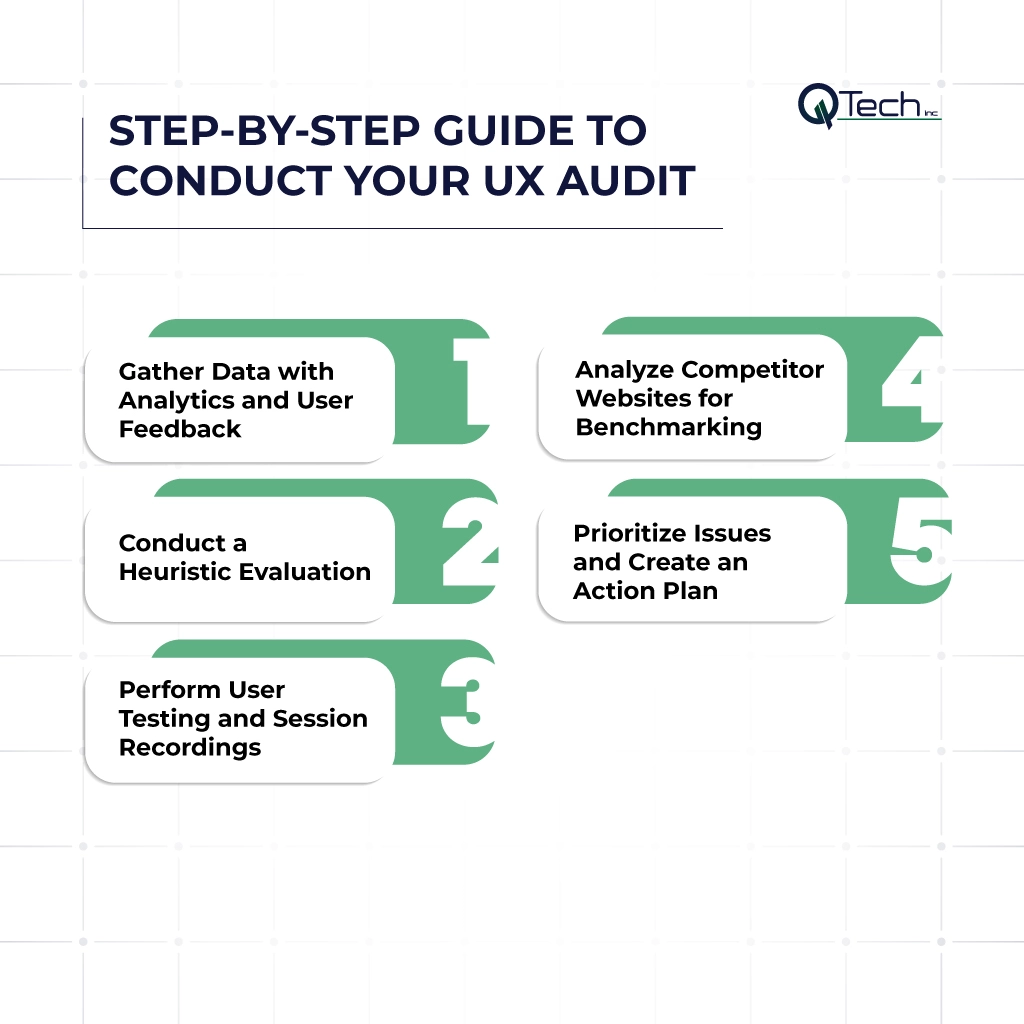
- Step 1: Gather Data with Analytics and User Feedback
- Step 2: Conduct a Heuristic Evaluation
- Step 3: Perform User Testing and Session Recordings
- Step 4: Analyze Competitor Websites for Benchmarking
- Step 5: Prioritize Issues and Create an Action Plan
Step 1: Gather Data with Analytics and User Feedback
Start with evidence. Review Google Analytics, heatmaps, search queries, support tickets, and customer feedback to understand where users drop off or struggle.
Look for high-exit pages, low-engagement content, and conversion gaps. This first step reveals what users do, while feedback helps explain why they do it. Together, those insights create a solid baseline. The more clearly you understand behavior, the easier it becomes to target the fixes that will boost conversions without relying on guesswork.
Step 2: Conduct a Heuristic Evaluation
A heuristic evaluation is an expert review based on proven usability principles. It looks at whether the site behaves in ways users expect, whether labels are clear, whether pages are consistent, and whether important tasks feel easy to complete. This is often where teams discover silent friction: unnecessary steps, unclear buttons, weak page hierarchy, or copy that creates hesitation. Heuristic reviews are especially useful because they catch practical issues quickly, even before formal user testing begins.
Step 3: Perform User Testing and Session Recordings
Analytics show patterns, but watching users interact with the website reveals the story behind those numbers. Session recordings and moderated testing can expose hesitation, confusion, and missed expectations in a way dashboards cannot.
You may discover that users skip essential content, misunderstand navigation labels, or abandon a form because one field feels intrusive or unclear. These observations are powerful because they show how the experience feels in motion. That human layer is essential if you want to know how to fix website user experience with confidence.
Step 4: Analyze Competitor Websites for Benchmarking
Your competitors can help you identify both weaknesses and opportunities. Benchmarking shows how your site compares in navigation, messaging, trust signals, speed, and conversion flow.
The goal is not imitation. The goal is perspective. If another company explains services more clearly, builds stronger trust with testimonials, or creates a cleaner path to inquiry, those patterns are worth studying. Competitive analysis can also support seo performance improvements by aligning user expectations with content depth, structure, and search intent.
Step 5: Prioritize Issues and Create an Action Plan
Not every issue deserves immediate attention. Once the findings are organized, rank them by business impact, user friction, and implementation effort. High-impact, low-effort fixes should rise first.
A good action plan separates quick wins from deeper structural work and ties every recommendation to a measurable result, such as better conversion rate, lower abandonment, or stronger engagement. This is the stage where insight becomes momentum. Without prioritization, even a good audit can turn into a document that never changes anything.
Common UX Problems and How to Fix Them
Most business websites suffer from a familiar set of issues. The value of a UX audit is that it helps you solve them with precision instead of patching symptoms one by one.
Problem: Confusing Navigation → Fix: Simplify Menu Structure
When users cannot find key pages fast, frustration builds quickly. Menus should be shorter, clearer, and organized around user needs rather than internal departments. Group related pages logically, reduce redundant options, and use labels that make sense on first read. If users need to stop and interpret the menu, the structure is already too complex.
Problem: Slow Load Times → Fix: Optimize Images and Caching
Poor speed weakens trust and reduces engagement. Compress oversized images, improve caching, remove unnecessary scripts, and streamline heavy assets that delay rendering. Faster loading times improve both user satisfaction and performance metrics. They also support stronger conversion outcomes because people are far more likely to stay engaged when pages respond quickly and predictably.
Problem: Poor Mobile Experience → Fix: Implement Responsive Design
A site can perform well on desktop and still underperform badly on phones. Responsive design should adapt layouts, text, buttons, and spacing so users can move easily on smaller screens. Test real journeys, not just templates. If forms are hard to complete, buttons are hard to tap, or content feels cramped, the mobile experience is likely costing you opportunities.
Problem: Unclear CTAs → Fix: Make Buttons Stand Out and Action-Oriented
A weak CTA creates hesitation at the exact moment clarity matters most. Buttons should stand out visually, use direct action language, and appear where users are ready to act. Supporting copy should explain value, reduce doubt, and reinforce why the next step matters. When the offer is clear and the path is obvious, your site is more likely to boost conversions.
Conclusion: A Better UX With Q-Tech Inc. UX Audits to Help Businesses
A strong website does not happen by accident. It is built through observation, refinement, and a clear understanding of how people actually interact with your brand online.
That is what makes a ux audit so valuable. It helps businesses move beyond assumptions, solve real usability issues, and create digital experiences that feel smoother, faster, and more persuasive. If your site is underperforming, Q-Tech Inc. can help you identify what is holding it back and build a smarter path forward, from audit findings to action steps that strengthen usability, trust, and results.
FAQ
Q: How do I know if my website has UX problems?
A: Your website has UX problems if you observe any of the following: a bounce rate above 70% on key landing pages, a conversion rate below 1% for transactional pages, average session duration under 60 seconds, multiple user complaints about navigation or forms, a high cart abandonment rate on e-commerce, Core Web Vitals failing in Google Search Console, or organic traffic declining without a corresponding drop in rankings. Each symptom points to a specific category of UX problem addressable through a structured audit.
Q: How often should I do a UX audit on my website?
A: Most business websites should undergo a full UX audit annually, with quarterly metric reviews of key pages. Conduct an immediate UX audit when: your conversion rate drops unexpectedly, bounce rates spike without explanation, you are preparing for a website redesign, a competitor significantly relaunches their site, you add a major new product or service section, or Google updates its Core Web Vitals standards. Annual audits prevent small UX degradations from compounding into serious performance losses.
Q: What tools do I need to conduct a UX audit?
A: The essential UX audit toolset includes: Google Analytics 4 (quantitative user behaviour data), Google Search Console (organic performance and Core Web Vitals), PageSpeed Insights or GTmetrix (page speed and Core Web Vitals scores), Hotjar or Microsoft Clarity (heatmaps and session recordings — both offer free plans), WAVE or Axe DevTools (accessibility auditing), Screaming Frog SEO Spider (technical crawl for broken links and metadata), and a mobile device for manual testing. Most UX audits can be completed using free versions of these tools.
Q: What is a heatmap and how does it help with a UX audit?
A: A heatmap is a visual representation of where users click, move, and scroll on a webpage. Click heatmaps show which elements receive the most interaction — revealing whether CTAs are being clicked or ignored. Scroll heatmaps show how far users scroll before leaving — identifying where content is being missed. Move heatmaps track cursor movement as a proxy for visual attention. Together, heatmaps reveal the gap between where you expect users to focus and where they actually do — one of the most actionable UX audit data sources available.
Q: What are Core Web Vitals and why do they matter for UX?
A: Core Web Vitals are a set of Google metrics that measure real-world user experience on web pages. The three key metrics are:
Largest Contentful Paint (LCP) — how quickly the main content loads (target: under 2.5 seconds);
Interaction to Next Paint (INP) — how quickly the page responds to user interactions (target: under 200ms); and
Cumulative Layout Shift (CLS) — how much the page layout unexpectedly shifts during loading (target: under 0.1).
Poor Core Web Vitals scores reduce search rankings and directly degrade user experience.
Q: What are the most common UX problems on business websites?
A: The most common UX problems on business websites are:
(1) Unclear or missing calls to action
(2) Slow page load speed on mobile
(3) Confusing navigation with too many or poorly labelled menu items
(4) Homepage headlines that fail to communicate the business’s value proposition within five seconds
(5) Forms that are too long or require too much information
(6) Lack of trust signals (reviews, certifications, guarantees) on conversion pages, and
(7) Content not optimised for mobile reading.